
Blog Home News Exaira’s 5th Year Anniversary

Exaira’s 5th Year Anniversary

exaira.5thanniversary.01

Time flies when you are doing what you love, and for Exaira, the past five years have been an incredible journey filled with growth, challenges, and most importantly, the unwavering support of our amazing customers. As we celebrate our 5th year anniversary, we reflect on the milestones we have achieved and express our heartfelt gratitude for the emotions you, our loyal customers, have shared with us.

The Beginning – Planting Seeds of Passion

Five years ago, Exaira embarked on a mission to revolutionize the digital world by providing innovative solutions and exceptional service. With a small team of passionate individuals, we planted the seeds of our dreams, hoping to make a positive impact on the lives of our customers. The journey started with an unwavering belief in our vision, determination, and a deep-rooted commitment to our core values.
Exaira's 5th Year Anniversary - Planting Seeds of Passion
Year One – Nurturing Growth

The first year was filled with learning and growth. We worked tirelessly to establish a strong foundation for Exaira, forging partnerships, enhancing our product offerings, and constantly refining our service to meet the evolving needs of our customers. Every step we took was guided by the enthusiasm and invaluable feedback we received from our early adopters. It was your unwavering support that pushed us to excel and strive for greatness.
Exaira's 5th Year Anniversary - Nurturing Growth
Year Two – Building Bridges

In our second year, we focused on expanding our reach and building strong relationships with our customers. We listened intently to your stories, concerns, and aspirations, allowing us to craft tailored solutions that addressed your unique challenges. Our team worked tirelessly to bridge the gap between your expectations and our offerings, delivering personalized experiences that left lasting impressions. The trust and loyalty you showed us fueled our determination to push boundaries and redefine excellence.
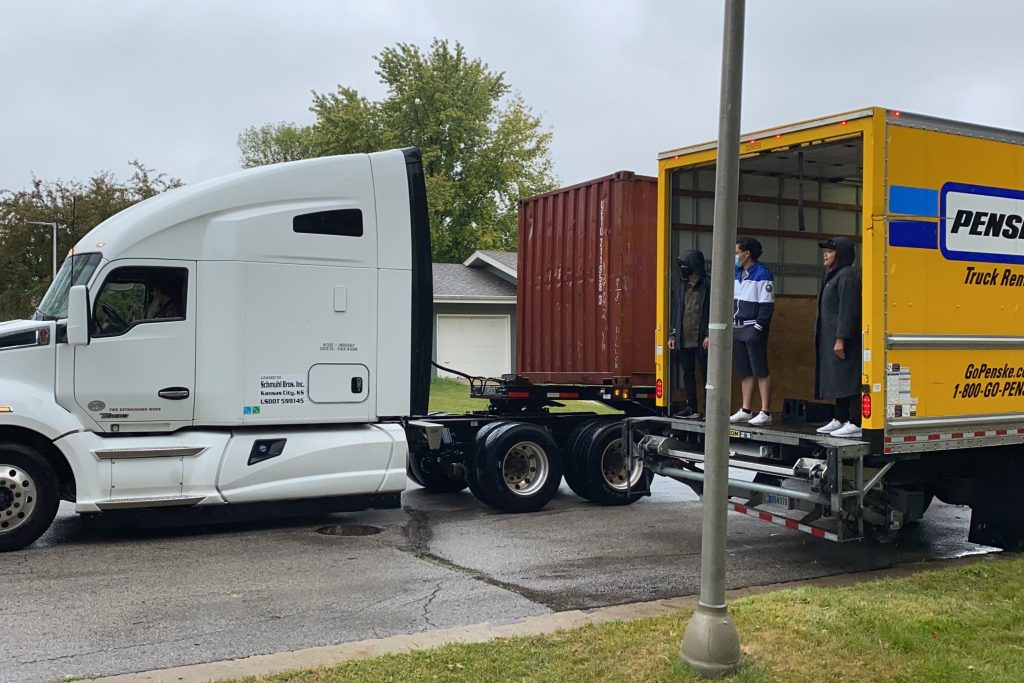
Exaira's 5th Year Anniversary - Building Bridges
Year Three – Embracing Innovation

As we entered our third year, innovation became our driving force. We invested heavily in research and development, harnessing cutting edge technologies to deliver state-of-the-art solutions. Our commitment to innovations was a testament to the emotional connection we had formed.

Exaira's 5th Year Anniversary - Embracing Innovation
Year Four – Weathering Storms Together

Year four brought unforeseen challenges as the world grappled with a global pandemic. We stood by you, offering support, understanding, and empathy during these trying times. Together, we adapted to new realities, finding strength in our shared determination to overcome obstacles. We witnessed the power of resilience, as you continued to entrust us with your business and fuel our passion to serve your better. Our bond grew stronger, anchored in a sense of unity and mutual support.
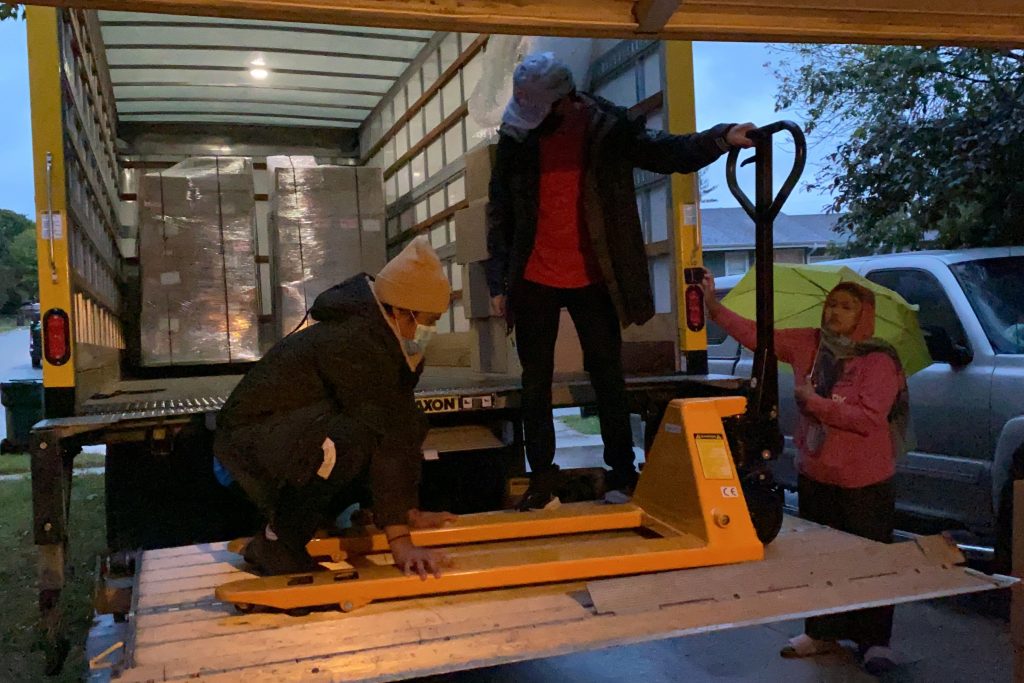
Exaira's 5th Year Anniversary - Weathering Storms Together
Year Five – Celebrating Success

Today, as we celebrate our 5th year anniversary, we look back at the milestones we have achieved and the remarkable journey we have shared with you, our valued customers. We owe our success to your trust, loyalty, and unwavering support. Each interaction, each collaboration, and each achievement has contributed to the tapestry of emotions that bind us together.
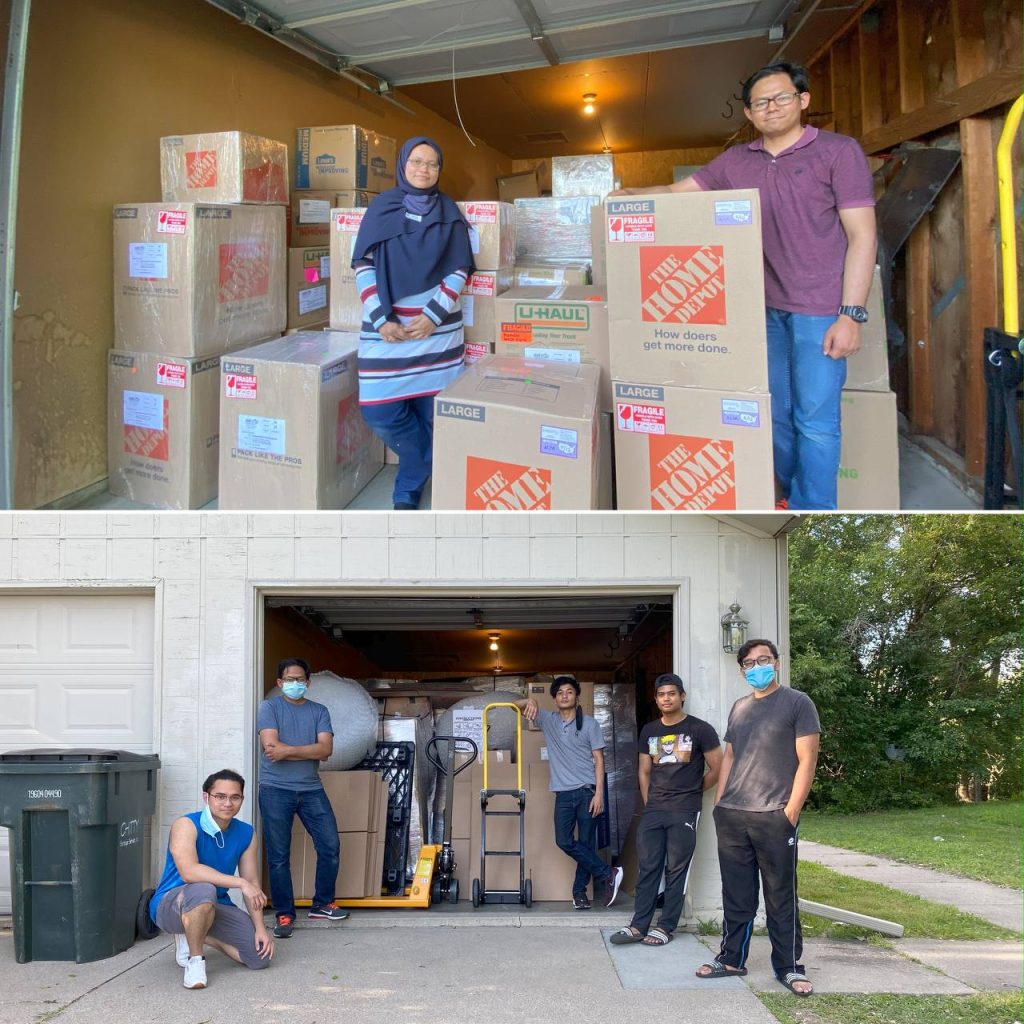
Exaira's 5th Year Anniversary - Celebrating Success
Exaira – Gratitude from the Heart

To express our deepest and most heartfelt gratitude, we are thrilled to announce the launch of a very special Thank You Campaign, exclusively for our incredible customers like you. As a token of our appreciation for your intense support, unwavering loyalty, and the emotional connection we have built together throughout the years, we are excited to offer you 1500 Purple Stars. These Purple Stars symbolize the shining moments we have shared and the brightness you bring to our journey.

These Purple Stars hold the key to unlocking a world of exclusive benefits and rewards that await you. From 4th July 2023 to 31st July 2023, you have the opportunity to redeem these stars and indulge in a range of remarkable perks that will elevate your experience with Exaira to new heights.

Your support has been the driving force behind our success, and we can’t wait to embark on this exciting chapter with you. Thank you from the bottom of our hearts, and here’s to many more years of shared accomplishments and heartfelt connections!

Visit Exaira.com for more information and news about our services!

Facebook
X (Twitter)
Threads
LinkedIn
Reddit
WhatsApp

Related Posts

Subscribe & Get $5 Off

Receive the latest deals, promos, and info straight to your inbox

Shop Now, Ship Later

Sign up Exaira.com account today

Register your free account today and get virtual US address for free.

Shop Deals from any USA Stores

Simply use the virtual tax-free US address at checkout.

Submit Shop4Me Service (optional)

For trouble ordering online or need physical outlet shopping.

Ship Packages Internationally

Combine and ship all packages to your doorstep. 

Shop at Macy's

Macy’s provides you with a wide range of products with the cheapest pricing and lots of sales that you will love. However, if you’re living outside of the US and want to shop at Macy’s, you must use a Virtual Private Network (VPN) in order to browse the products on Macy’s website. We recommend you to use ProtonVPN, a free and secure VPN when shopping at Macy’s.

Here’s how you can shop at Macy’s?

1.  Go to the ProtonVPN website and click Get ProtonVPN Now or Signup button.

2. Click Get Free to connect to the VPN server for free or you can also select the paid version.
3. Create an account and enter the verification code that will be sent to your email address.
4. Once you have clicked the Verify button, you will be automatically logged in and view the Downloads page.
5. Download the ProtonVPN clients based on the device that you will be using to shop, i.e. Windows if you are using Windows OS.
6. Install the application on your device and restart the device when the installation is done.
7. Log in thru the application by entering your username and password.
8. Select the United States tab and connect to US-FREE#5 server.
9. Open your web browser and go to Macy’s website or simply click the button below. Now you can shop at Macy’s.

If you have trouble following the instructions or opening Macy’s website on your device, contact us now and our customer support will assist you.

Shop at Nike

If you’re living outside of the US and want to shop at Nike, you must use a Virtual Private Network (VPN) to shop at Nike’s US online store. We recommend you to use ProtonVPN, a free and secure VPN when shopping at Nike.

Here’s how you can shop at Nike?

1.  Go to the ProtonVPN website and click Get ProtonVPN Now or Signup button.

2. Click Get Free to connect to the VPN server for free or you can also select the paid version.
3. Create an account and enter the verification code that will be sent to your email address.
4. Once you have clicked the Verify button, you will be automatically logged in and view the Downloads page.
5. Download the ProtonVPN clients based on the device that you will be using to shop, i.e. Windows if you are using Windows OS.
6. Install the application on your device and restart the device when the installation is done.
7. Log in thru the application by entering your username and password.
8. Select the United States tab and connect to US-FREE#5 server.
9. Open your web browser and go to Nike website or simply click the button below. Now you can shop at Nike.

If you have trouble following the instructions or opening the Nike website on your device, contact us now and our customer support will assist you.

Shop at Tumi

If you’re living outside of the US and want to shop at Tumi, you must use a Virtual Private Network (VPN) to shop at Tumi’s US online store. We recommend you to use ProtonVPN, a free and secure VPN when shopping at Tumi.

Here’s how you can shop at Tumi?

1.  Go to the ProtonVPN website and click Get ProtonVPN Now or Signup button.

2. Click Get Free to connect to the VPN server for free or you can also select the paid version.
3. Create an account and enter the verification code that will be sent to your email address.
4. Once you have clicked the Verify button, you will be automatically logged in and view the Downloads page.
5. Download the ProtonVPN clients based on the device that you will be using to shop, i.e. Windows if you are using Windows OS.
6. Install the application on your device and restart the device when the installation is done.
7. Log in thru the application by entering your username and password.
8. Select the United States tab and connect to US-FREE#5 server.
9. Open your web browser and go to Tumi website or simply click the button below. Now you can shop at Tumi.

If you have trouble following the instructions or opening the Tumi website on your device, contact us now and our customer support will assist you.

Shop at Guess

If you’re living outside of the US and want to shop at Guess, you must use a Virtual Private Network (VPN) to shop at Guess’ US online store. We recommend you to use ProtonVPN, a free and secure VPN when shopping at Guess.

Here’s how you can shop at Guess?

1.  Go to the ProtonVPN website and click Get ProtonVPN Now or Signup button.

2. Click Get Free to connect to the VPN server for free or you can also select the paid version.
3. Create an account and enter the verification code that will be sent to your email address.
4. Once you have clicked the Verify button, you will be automatically logged in and view the Downloads page.
5. Download the ProtonVPN clients based on the device that you will be using to shop, i.e. Windows if you are using Windows OS.
6. Install the application on your device and restart the device when the installation is done.
7. Log in thru the application by entering your username and password.
8. Select the United States tab and connect to US-FREE#5 server.
9. Open your web browser and go to Guess website or simply click the button below. Now you can shop at Guess.

If you have trouble following the instructions or opening the Guess website on your device, contact us now and our customer support will assist you.

Shop at JCPenney

If you’re living outside of the US and want to shop at JCPenney, you must use a Virtual Private Network (VPN) to shop at JCPenney’s US online store. We recommend you to use ProtonVPN, a free and secure VPN when shopping at JCPenney.

Here’s how you can shop at JCPenney?

1.  Go to the ProtonVPN website and click Get ProtonVPN Now or Signup button.

2. Click Get Free to connect to the VPN server for free or you can also select the paid version.
3. Create an account and enter the verification code that will be sent to your email address.
4. Once you have clicked the Verify button, you will be automatically logged in and view the Downloads page.
5. Download the ProtonVPN clients based on the device that you will be using to shop, i.e. Windows if you are using Windows OS.
6. Install the application on your device and restart the device when the installation is done.
7. Log in thru the application by entering your username and password.
8. Select the United States tab and connect to US-FREE#5 server.
9. Open your web browser and go to JCPenney website or simply click the button below. Now you can shop at JCPenney.

If you have trouble following the instructions or opening the JCPenney website on your device, contact us now and our customer support will assist you.

Shop at Calvin Klein

If you’re living outside of the US and want to shop at Calvin Klein, you must use a Virtual Private Network (VPN) to shop at Calvin Klein’s US online store. We recommend you to use ProtonVPN, a free and secure VPN when shopping at JCPenney.

Here’s how you can shop at JCPenney?

1.  Go to the ProtonVPN website and click Get ProtonVPN Now or Signup button.

2. Click Get Free to connect to the VPN server for free or you can also select the paid version.
3. Create an account and enter the verification code that will be sent to your email address.
4. Once you have clicked the Verify button, you will be automatically logged in and view the Downloads page.
5. Download the ProtonVPN clients based on the device that you will be using to shop, i.e. Windows if you are using Windows OS.
6. Install the application on your device and restart the device when the installation is done.
7. Log in thru the application by entering your username and password.
8. Select the United States tab and connect to US-FREE#5 server.
9. Open your web browser and go to Calvin Klein website or simply click the button below. Now you can shop at Calvin Klein.

If you have trouble following the instructions or opening the Calvin Klein website on your device, contact us now and our customer support will assist you.

Shop at Timberland

If you’re living outside of the US and want to shop at Timberland, you must use a Virtual Private Network (VPN) to shop at Timberland’s US online store. We recommend you to use ProtonVPN, a free and secure VPN when shopping at Timberland.

Here’s how you can shop at Timberland?

1.  Go to the ProtonVPN website and click Get ProtonVPN Now or Signup button.

2. Click Get Free to connect to the VPN server for free or you can also select the paid version.
3. Create an account and enter the verification code that will be sent to your email address.
4. Once you have clicked the Verify button, you will be automatically logged in and view the Downloads page.
5. Download the ProtonVPN clients based on the device that you will be using to shop, i.e. Windows if you are using Windows OS.
6. Install the application on your device and restart the device when the installation is done.
7. Log in thru the application by entering your username and password.
8. Select the United States tab and connect to US-FREE#5 server.
9. Open your web browser and go to Timberland website or simply click the button below. Now you can shop at Timberland.

If you have trouble following the instructions or opening the Timberland website on your device, contact us now and our customer support will assist you.

Shop at Forever 21

If you’re living outside of the US and want to shop at Forever 21, you must use a Virtual Private Network (VPN) to shop at Forever 21’s US online store. We recommend you to use ProtonVPN, a free and secure VPN when shopping at Forever 21.

Here’s how you can shop at Forever 21?

1.  Go to the ProtonVPN website and click Get ProtonVPN Now or Signup button.

2. Click Get Free to connect to the VPN server for free or you can also select the paid version.
3. Create an account and enter the verification code that will be sent to your email address.
4. Once you have clicked the Verify button, you will be automatically logged in and view the Downloads page.
5. Download the ProtonVPN clients based on the device that you will be using to shop, i.e. Windows if you are using Windows OS.
6. Install the application on your device and restart the device when the installation is done.
7. Log in thru the application by entering your username and password.
8. Select the United States tab and connect to US-FREE#5 server.
9. Open your web browser and go to Forever 21 website or simply click the button below. Now you can shop at Forever 21.

If you have trouble following the instructions or opening the Forever 21 website on your device, contact us now and our customer support will assist you.

Shop at AE

If you’re living outside of the US and want to shop at American Eagle, you must use a Virtual Private Network (VPN) to shop at American Eagle’s US online store. We recommend you to use ProtonVPN, a free and secure VPN when shopping at American Eagle.

Here’s how you can shop at American Eagle?

1.  Go to the ProtonVPN website and click Get ProtonVPN Now or Signup button.

2. Click Get Free to connect to the VPN server for free or you can also select the paid version.
3. Create an account and enter the verification code that will be sent to your email address.
4. Once you have clicked the Verify button, you will be automatically logged in and view the Downloads page.
5. Download the ProtonVPN clients based on the device that you will be using to shop, i.e. Windows if you are using Windows OS.
6. Install the application on your device and restart the device when the installation is done.
7. Log in thru the application by entering your username and password.
8. Select the United States tab and connect to US-FREE#5 server.
9. Open your web browser and go to American Eagle website or simply click the button below. Now you can shop at American Eagle.

If you have trouble following the instructions or opening the American Eagle website on your device, contact us now and our customer support will assist you.

Scroll to Top