Blog Home Shipping Guide Unlock the Ultimate 4 Guide to Stress-Free USA Shopping & Shipping to Malaysia with Exaira

Unlock the Ultimate 4 Guide to Stress-Free USA Shopping & Shipping to Malaysia with Exaira

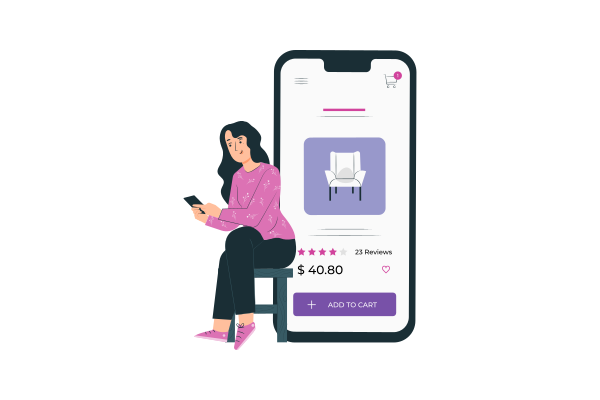
Step-by-step international shipping process from the USA to Malaysia with Exaira.

Imagine accessing exclusive US brands and having them delivered swiftly to your Malaysian doorstep without any hassle. Malaysians are spending over RM5 billion annually on online shopping from the USA, yet many face frustrating obstacles like exorbitant shipping fees and customs delays. With Exaira, you can effortlessly overcome these challenges and enjoy a smooth, cost-effective shopping experience.

But while shopping from US stores like Amazon, eBay, Walmart, and Nike is exciting, high shipping costs, customs delays, and limited international shipping options can turn the experience into a nightmare. 😩

That’s where Exaira comes in! We provide affordable, fast, and hassle-free shipping from the USA to Malaysia, so you can shop with confidence and save up to 80% on shipping costs. 🚀

In this guide, we’ll show you:
Why Malaysians love shopping from the USA
Step-by-step guide to shipping with Exaira
How much it costs & how to save money
Tips to avoid customs issues & shipping delays

Why Malaysians Love Shopping from USA Stores (And How to Do It Right!)

The USA is home to some of the world’s best online stores, offering a wider selection, better deals, and exclusive products not available in Malaysia. Access exclusive, high-quality products and unbeatable deals from top US brands. However, challenges like prohibitive shipping costs and complex customs procedures can be daunting.

Top Reasons Malaysians Shop from the USA

More variety & exclusive products – Brands like Apple, Patagonia, The North Face have limited or expensive stock in Malaysia.
Lower prices & bigger discounts – US stores often have huge seasonal sales (Black Friday, Cyber Monday, etc.).
Better quality – Many international brands have better quality control in the US market.

Read more about Dive into US Markets: A Malaysian’s Starter Kit for Amazing Shopping Bliss

Common Challenges When Shipping to Malaysia

Some stores don’t ship to Malaysia (e.g., Nike, Ulta Beauty)
Shipping fees are expensive when using direct international shipping
Customs clearance delays & hidden import taxes

So, how do you shop freely from US stores without worrying about these issues? 🤔 Keep reading! ⬇

How Exaira Simplifies Shipping from the USA to Malaysia

Exaira is a trusted freight forwarding service that allows you to shop from any US store and get your orders shipped affordably to Malaysia.

Exaira offers a reliable, affordable, and efficient solution, providing a FREE US address, significant savings through package consolidation, and hassle-free customs clearance.

Here’s how we solve the biggest shopping problems:

💡 No US shipping address? → Get a FREE US address with Exaira.
💡 High shipping fees? → Save up to 80% with package consolidation.
💡 Customs delays? → We handle clearance so your package arrives smoothly.

With Exaira, you can shop from any US store, ship it to our USA warehouse, and we’ll deliver it to Malaysia in as fast as 5 days! 🚀
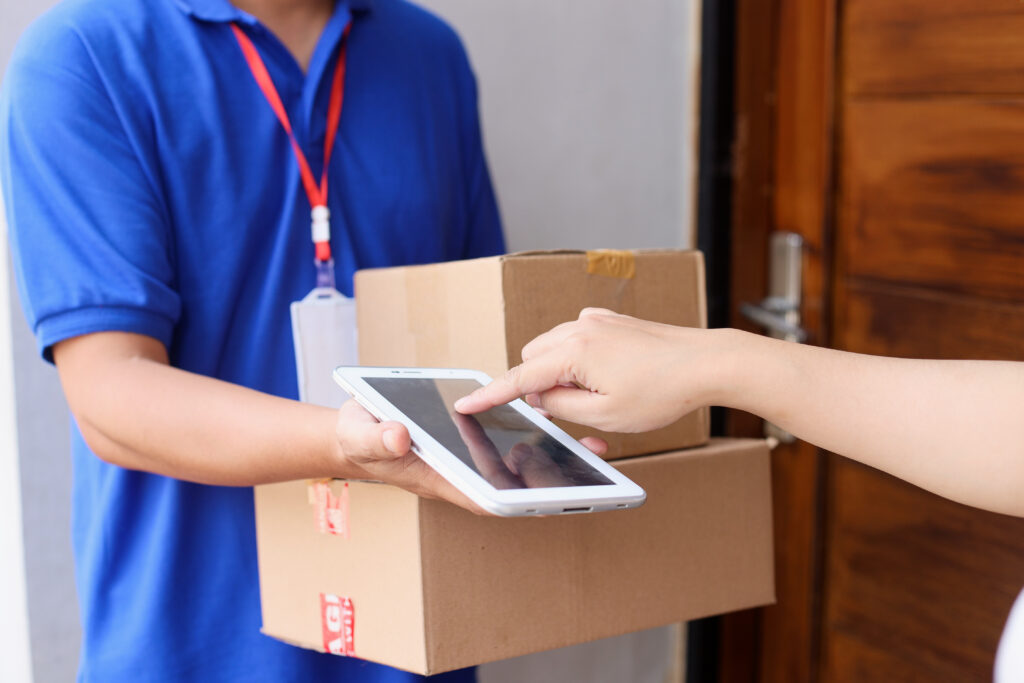
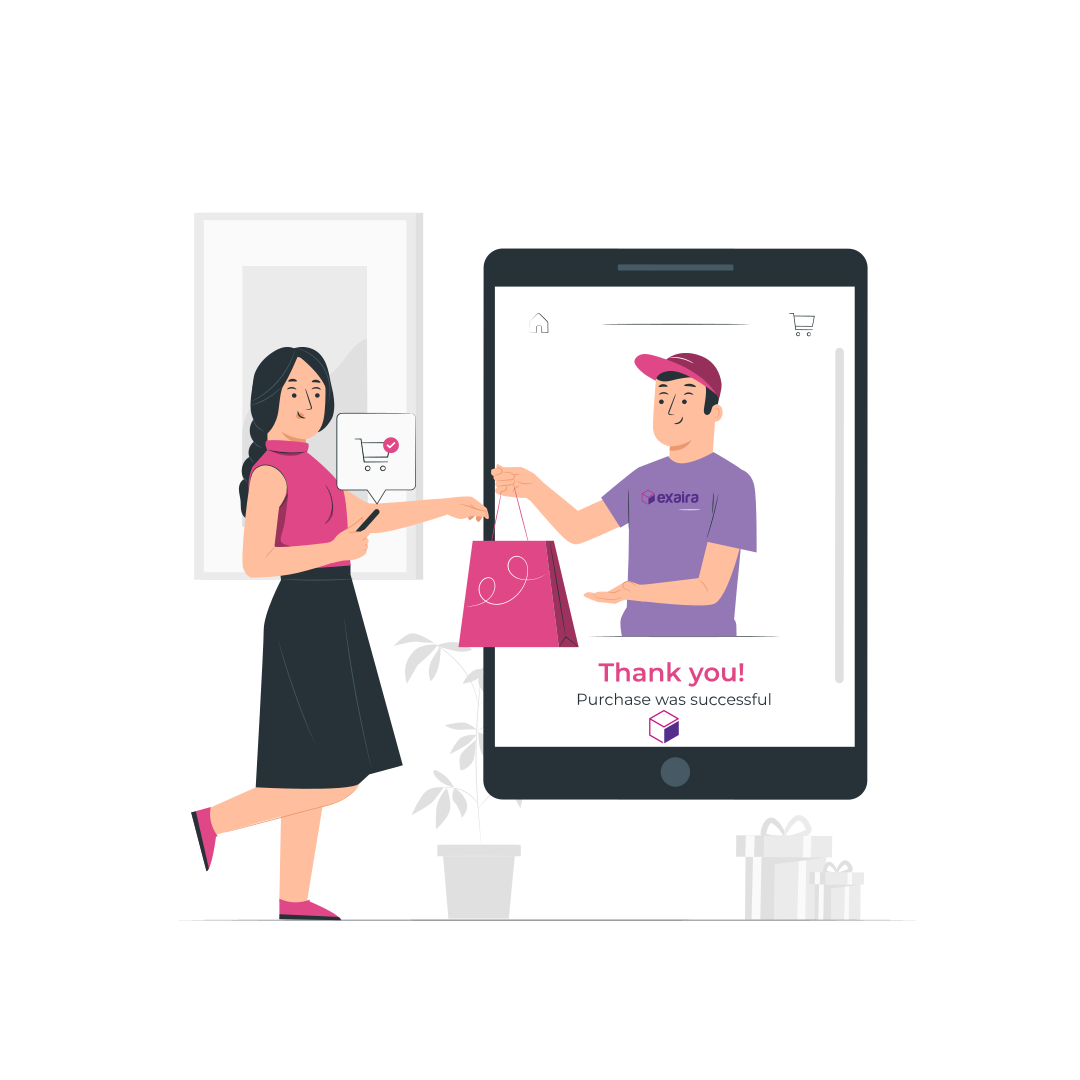
Step-by-step international shipping process from the USA to Malaysia with Exaira.
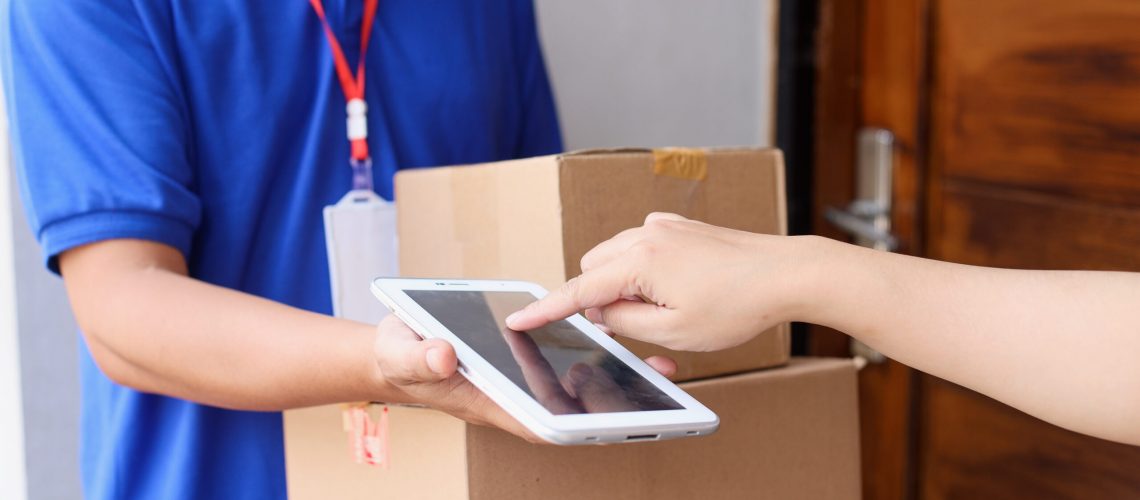
Hassle-free international shipping guide from the USA to Malaysia with Exaira.

Step-by-Step Guide: How to Ship from USA to Malaysia with Exaira

Follow these simple steps to start shopping today!

🛒 Step 1: Sign Up & Claim Your FREE USA Address

  • Go to Exaira.com and sign up for an account.
  • Instantly receive your own USA shipping address (e.g., Exaira Warehouse in Oregon).

🛍️ Step 2: Shop Freely from Top US Stores

  • Use your Exaira USA address when checking out.
  • Example stores: Amazon, Walmart, eBay, Nike, Sephora US, Best Buy, Macy’s.

📦 Step 3: Exaira Receives & Consolidates Your Packages

  • When your package arrives at our warehouse, we’ll store it for FREE for up to 30 days.
  • You can combine multiple packages into one shipment to save money.

🚀 Step 4: Choose Your Preferred Shipping Method & Securely Pay

  • Select your preferred shipping method (air or sea).
  • Pay for shipping directly via bank transfer, credit card, or PayPal.

📢 Step 5: Exaira Delivers to Your Doorstep

  • Your package is shipped and delivered in as fast as 5 days (air shipping).
  • Track your shipment in real-time using Exaira’s tracking system.
  • Enjoy competitive rates with transparent pricing. Use Exaira’s intuitive shipping calculator to obtain an instant, accurate quote.

🎉 That’s it! You just shopped from the USA hassle-free! 🎉

How Much Does It Cost to Ship from the USA to Malaysia?

Shipping costs depend on:
Package weight & size
Shipping method (air or sea)
Any optional services (e.g., insurance, fragile handling)

💰 Estimated Shipping Costs with Exaira

Shipping MethodDelivery TimeEstimated Cost
Air Shipping5-7 business daysFrom $XX per kg
Sea Shipping4-6 weeksFrom $XX per kg
Package ConsolidationSaves up to 80%Best for multiple packages

💡 Pro Tip: Use Exaira’s shipping calculator to get an instant quote before shopping!

Tips to Avoid Delays When Shipping from USA to Malaysia

Ensure a smooth, trouble-free delivery by adhering to these essential tips:

Check Malaysia’s import restrictions – Avoid shipping prohibited items like alcohol, weapons, and certain electronics.
Declare the correct value of items – Undervaluing packages may lead to customs issues.
Use package consolidation – Combining orders reduces costs and speeds up delivery.
Choose a reliable shipping providerExaira ensures fast & secure delivery!

Frequently Asked Questions (FAQs)

🛒 Which US stores ship to Malaysia?
Some stores offer international shipping, like Amazon Global, but many don’t (e.g., Nike, Sephora, Ulta). Using Exaira allows you to shop from any store, even those that don’t ship internationally!

💰 What’s the cheapest way to ship from the USA to Malaysia?
Using Exaira’s package consolidation service is the most cost-effective. You can save up to 80% by combining multiple purchases into one shipment.

📦 How long does shipping take?
Air shipping takes 5-7 business days, while sea shipping takes 4-6 weeks.

📢 How do I track my shipment?
Once shipped, you’ll receive a tracking number to monitor your package in real-time.

🚀 Start Shopping & Shipping from the USA to Malaysia Today!

Transform your shopping experience today! Join Exaira now to unlock exclusive US products and enjoy fast, affordable, and hassle-free shipping to Malaysia.

Get a FREE USA AddressSign Up Now
Save up to 80% on Shipping
Fast Delivery in 5 Days

🌎 Shop from the USA. Ship with Confidence. Exaira makes it easy. 🚀

Facebook
X (Twitter)
Threads
LinkedIn
Reddit
WhatsApp

Related Posts

Subscribe & Get $5 Off

Receive the latest deals, promos, and info straight to your inbox

Shop Now, Ship Later

Sign up Exaira.com account today

Register your free account today and get virtual US address for free.

Shop Deals from any USA Stores

Simply use the virtual tax-free US address at checkout.

Submit Shop4Me Service (optional)

For trouble ordering online or need physical outlet shopping.

Ship Packages Internationally

Combine and ship all packages to your doorstep. 

Shop at Macy's

Macy’s provides you with a wide range of products with the cheapest pricing and lots of sales that you will love. However, if you’re living outside of the US and want to shop at Macy’s, you must use a Virtual Private Network (VPN) in order to browse the products on Macy’s website. We recommend you to use ProtonVPN, a free and secure VPN when shopping at Macy’s.

Here’s how you can shop at Macy’s?

1.  Go to the ProtonVPN website and click Get ProtonVPN Now or Signup button.

2. Click Get Free to connect to the VPN server for free or you can also select the paid version.
3. Create an account and enter the verification code that will be sent to your email address.
4. Once you have clicked the Verify button, you will be automatically logged in and view the Downloads page.
5. Download the ProtonVPN clients based on the device that you will be using to shop, i.e. Windows if you are using Windows OS.
6. Install the application on your device and restart the device when the installation is done.
7. Log in thru the application by entering your username and password.
8. Select the United States tab and connect to US-FREE#5 server.
9. Open your web browser and go to Macy’s website or simply click the button below. Now you can shop at Macy’s.

If you have trouble following the instructions or opening Macy’s website on your device, contact us now and our customer support will assist you.

Shop at Nike

If you’re living outside of the US and want to shop at Nike, you must use a Virtual Private Network (VPN) to shop at Nike’s US online store. We recommend you to use ProtonVPN, a free and secure VPN when shopping at Nike.

Here’s how you can shop at Nike?

1.  Go to the ProtonVPN website and click Get ProtonVPN Now or Signup button.

2. Click Get Free to connect to the VPN server for free or you can also select the paid version.
3. Create an account and enter the verification code that will be sent to your email address.
4. Once you have clicked the Verify button, you will be automatically logged in and view the Downloads page.
5. Download the ProtonVPN clients based on the device that you will be using to shop, i.e. Windows if you are using Windows OS.
6. Install the application on your device and restart the device when the installation is done.
7. Log in thru the application by entering your username and password.
8. Select the United States tab and connect to US-FREE#5 server.
9. Open your web browser and go to Nike website or simply click the button below. Now you can shop at Nike.

If you have trouble following the instructions or opening the Nike website on your device, contact us now and our customer support will assist you.

Shop at Tumi

If you’re living outside of the US and want to shop at Tumi, you must use a Virtual Private Network (VPN) to shop at Tumi’s US online store. We recommend you to use ProtonVPN, a free and secure VPN when shopping at Tumi.

Here’s how you can shop at Tumi?

1.  Go to the ProtonVPN website and click Get ProtonVPN Now or Signup button.

2. Click Get Free to connect to the VPN server for free or you can also select the paid version.
3. Create an account and enter the verification code that will be sent to your email address.
4. Once you have clicked the Verify button, you will be automatically logged in and view the Downloads page.
5. Download the ProtonVPN clients based on the device that you will be using to shop, i.e. Windows if you are using Windows OS.
6. Install the application on your device and restart the device when the installation is done.
7. Log in thru the application by entering your username and password.
8. Select the United States tab and connect to US-FREE#5 server.
9. Open your web browser and go to Tumi website or simply click the button below. Now you can shop at Tumi.

If you have trouble following the instructions or opening the Tumi website on your device, contact us now and our customer support will assist you.

Shop at Guess

If you’re living outside of the US and want to shop at Guess, you must use a Virtual Private Network (VPN) to shop at Guess’ US online store. We recommend you to use ProtonVPN, a free and secure VPN when shopping at Guess.

Here’s how you can shop at Guess?

1.  Go to the ProtonVPN website and click Get ProtonVPN Now or Signup button.

2. Click Get Free to connect to the VPN server for free or you can also select the paid version.
3. Create an account and enter the verification code that will be sent to your email address.
4. Once you have clicked the Verify button, you will be automatically logged in and view the Downloads page.
5. Download the ProtonVPN clients based on the device that you will be using to shop, i.e. Windows if you are using Windows OS.
6. Install the application on your device and restart the device when the installation is done.
7. Log in thru the application by entering your username and password.
8. Select the United States tab and connect to US-FREE#5 server.
9. Open your web browser and go to Guess website or simply click the button below. Now you can shop at Guess.

If you have trouble following the instructions or opening the Guess website on your device, contact us now and our customer support will assist you.

Shop at JCPenney

If you’re living outside of the US and want to shop at JCPenney, you must use a Virtual Private Network (VPN) to shop at JCPenney’s US online store. We recommend you to use ProtonVPN, a free and secure VPN when shopping at JCPenney.

Here’s how you can shop at JCPenney?

1.  Go to the ProtonVPN website and click Get ProtonVPN Now or Signup button.

2. Click Get Free to connect to the VPN server for free or you can also select the paid version.
3. Create an account and enter the verification code that will be sent to your email address.
4. Once you have clicked the Verify button, you will be automatically logged in and view the Downloads page.
5. Download the ProtonVPN clients based on the device that you will be using to shop, i.e. Windows if you are using Windows OS.
6. Install the application on your device and restart the device when the installation is done.
7. Log in thru the application by entering your username and password.
8. Select the United States tab and connect to US-FREE#5 server.
9. Open your web browser and go to JCPenney website or simply click the button below. Now you can shop at JCPenney.

If you have trouble following the instructions or opening the JCPenney website on your device, contact us now and our customer support will assist you.

Shop at Calvin Klein

If you’re living outside of the US and want to shop at Calvin Klein, you must use a Virtual Private Network (VPN) to shop at Calvin Klein’s US online store. We recommend you to use ProtonVPN, a free and secure VPN when shopping at JCPenney.

Here’s how you can shop at JCPenney?

1.  Go to the ProtonVPN website and click Get ProtonVPN Now or Signup button.

2. Click Get Free to connect to the VPN server for free or you can also select the paid version.
3. Create an account and enter the verification code that will be sent to your email address.
4. Once you have clicked the Verify button, you will be automatically logged in and view the Downloads page.
5. Download the ProtonVPN clients based on the device that you will be using to shop, i.e. Windows if you are using Windows OS.
6. Install the application on your device and restart the device when the installation is done.
7. Log in thru the application by entering your username and password.
8. Select the United States tab and connect to US-FREE#5 server.
9. Open your web browser and go to Calvin Klein website or simply click the button below. Now you can shop at Calvin Klein.

If you have trouble following the instructions or opening the Calvin Klein website on your device, contact us now and our customer support will assist you.

Shop at Timberland

If you’re living outside of the US and want to shop at Timberland, you must use a Virtual Private Network (VPN) to shop at Timberland’s US online store. We recommend you to use ProtonVPN, a free and secure VPN when shopping at Timberland.

Here’s how you can shop at Timberland?

1.  Go to the ProtonVPN website and click Get ProtonVPN Now or Signup button.

2. Click Get Free to connect to the VPN server for free or you can also select the paid version.
3. Create an account and enter the verification code that will be sent to your email address.
4. Once you have clicked the Verify button, you will be automatically logged in and view the Downloads page.
5. Download the ProtonVPN clients based on the device that you will be using to shop, i.e. Windows if you are using Windows OS.
6. Install the application on your device and restart the device when the installation is done.
7. Log in thru the application by entering your username and password.
8. Select the United States tab and connect to US-FREE#5 server.
9. Open your web browser and go to Timberland website or simply click the button below. Now you can shop at Timberland.

If you have trouble following the instructions or opening the Timberland website on your device, contact us now and our customer support will assist you.

Shop at Forever 21

If you’re living outside of the US and want to shop at Forever 21, you must use a Virtual Private Network (VPN) to shop at Forever 21’s US online store. We recommend you to use ProtonVPN, a free and secure VPN when shopping at Forever 21.

Here’s how you can shop at Forever 21?

1.  Go to the ProtonVPN website and click Get ProtonVPN Now or Signup button.

2. Click Get Free to connect to the VPN server for free or you can also select the paid version.
3. Create an account and enter the verification code that will be sent to your email address.
4. Once you have clicked the Verify button, you will be automatically logged in and view the Downloads page.
5. Download the ProtonVPN clients based on the device that you will be using to shop, i.e. Windows if you are using Windows OS.
6. Install the application on your device and restart the device when the installation is done.
7. Log in thru the application by entering your username and password.
8. Select the United States tab and connect to US-FREE#5 server.
9. Open your web browser and go to Forever 21 website or simply click the button below. Now you can shop at Forever 21.

If you have trouble following the instructions or opening the Forever 21 website on your device, contact us now and our customer support will assist you.

Shop at AE

If you’re living outside of the US and want to shop at American Eagle, you must use a Virtual Private Network (VPN) to shop at American Eagle’s US online store. We recommend you to use ProtonVPN, a free and secure VPN when shopping at American Eagle.

Here’s how you can shop at American Eagle?

1.  Go to the ProtonVPN website and click Get ProtonVPN Now or Signup button.

2. Click Get Free to connect to the VPN server for free or you can also select the paid version.
3. Create an account and enter the verification code that will be sent to your email address.
4. Once you have clicked the Verify button, you will be automatically logged in and view the Downloads page.
5. Download the ProtonVPN clients based on the device that you will be using to shop, i.e. Windows if you are using Windows OS.
6. Install the application on your device and restart the device when the installation is done.
7. Log in thru the application by entering your username and password.
8. Select the United States tab and connect to US-FREE#5 server.
9. Open your web browser and go to American Eagle website or simply click the button below. Now you can shop at American Eagle.

If you have trouble following the instructions or opening the American Eagle website on your device, contact us now and our customer support will assist you.

Scroll to Top