
Blog Home Online Shopping Online Shopping from USA to Malaysia Made Easy with Exaira

Online Shopping from USA to Malaysia Made Easy with Exaira

Day 30 (white)

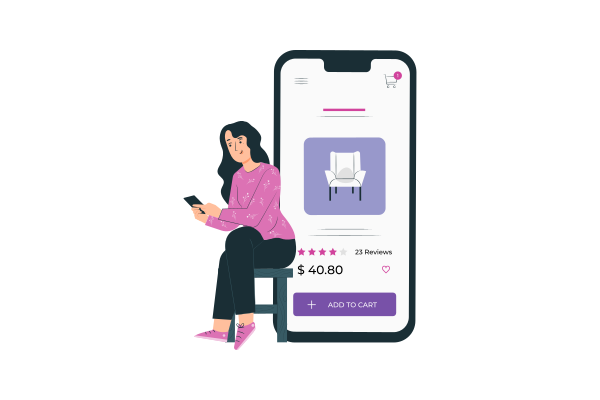
Malaysian love to shop online, but they do not know that there are thousands of sale items on high-quality branded products from the USA! Unlock the ease and affordability of shopping from the USA and shipping to Malaysia with Exaira’s comprehensive services.

Why Malaysians Love Shopping from the USA

Malaysians have long been drawn to shopping from the USA due to the variety and quality of products available. From high-end fashion brands to the latest electronics, American stores offer a wide range of items that are often not easily accessible in Malaysia.

Additionally, US stores frequently provide substantial discounts, sometimes up to 80%, making these products significantly cheaper than local options. This combination of quality, variety, and affordability makes shopping from the USA incredibly appealing to Malaysian consumers.

Common Challenges Faced When Shipping from the USA to Malaysia

Despite the allure of shopping from the USA, Malaysians often face several challenges when it comes to shipping. High shipping costs, long delivery times, and the risk of lost or damaged items are common pain points. We have all been there, and we understand the frustration.

Shipping restrictions, sky-high shipping costs, and the endless struggle of finding that perfect product can throw a wrench in your online shopping bliss.

Furthermore, the complexity of international shipping regulations and the lack of a US shipping address can make the process even more daunting. These obstacles can deter many from taking advantage of the great deals available in American stores.

But what if we told you there’s a way to unlock a world of possibilities, unbox your wildest shopping adventures, and have those coveted items shipped right to your doorstep in Malaysia? 

How Exaira Simplifies Your Shopping Experience

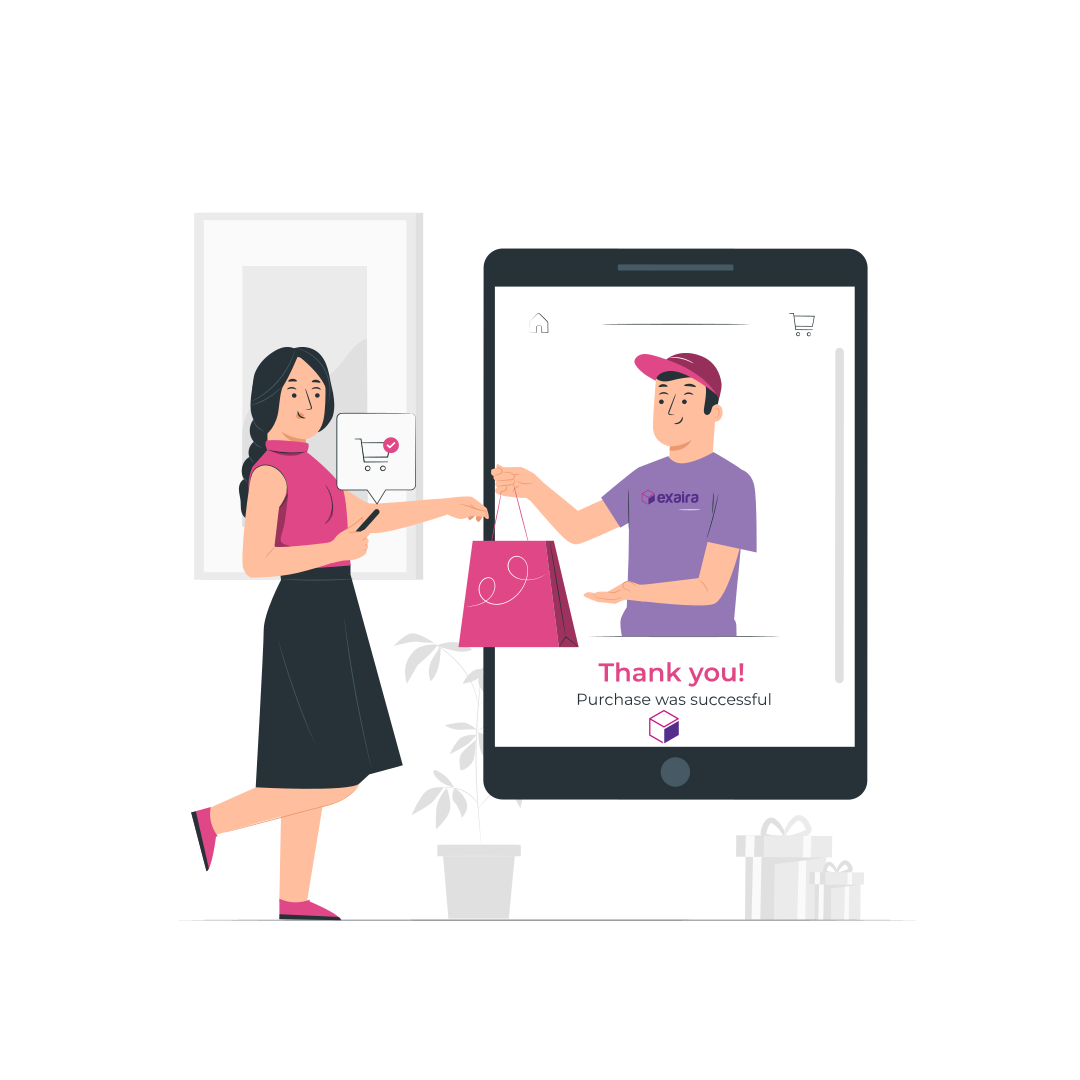
Exaira addresses these challenges head-on, making the shopping and shipping experience seamless and hassle-free. By providing a zero sales tax address in Oregon, Exaira allows customers to enjoy tax-free shopping, which can result in substantial savings.

Moreover, Exaira offers a Shop4Me service, where their team can assist in purchasing items on your behalf. This service is particularly useful for those who may find navigating US online stores challenging or time-consuming.

Ever been hit with that “We don’t ship to your country” or “Website Access Denied” blues from your fave US online store? Well, worry not! Just connect with Exaira and they will work their magic service to deliver to you!

The complexities often compel you to settle for local options, limiting your access to the boundless world of products available in the USA. But fear not, at Exaira, we are here to simplify the process. Unbox a rewarding shopping experience as we navigate the shipping complexities for you.

Amazing Discounts and Tax-Free Shopping with Exaira

One of the standout features of using Exaira is the access to a zero sales tax address in Oregon. This means that Malaysians can shop without worrying about additional tax costs, further enhancing the affordability of their purchases.

In addition, Exaira keeps customers informed about major discounts from top US stores, ensuring they never miss out on deals that could save them up to 80% on high-quality branded products.

Affordable and Fast Shipping Solutions

Exaira offers competitive international shipping rates starting at just $37 for their Economy service, with an estimated delivery time of 7-14 business days. For those who need their items sooner, Exaira provides a faster shipping option, delivering packages in as little as 5-7 business days.

This combination of affordability and speed ensures that Malaysians can receive their coveted US products promptly and without breaking the bank.

Sign up today to get your free USA Address! Get ready to embark on a shopping journey like never before!


Facebook
X (Twitter)
Threads
LinkedIn
Reddit
WhatsApp

Related Posts

Subscribe & Get $5 Off

Receive the latest deals, promos, and info straight to your inbox

Shop Now, Ship Later

Sign up Exaira.com account today

Register your free account today and get virtual US address for free.

Shop Deals from any USA Stores

Simply use the virtual tax-free US address at checkout.

Submit Shop4Me Service (optional)

For trouble ordering online or need physical outlet shopping.

Ship Packages Internationally

Combine and ship all packages to your doorstep. 

Shop at Macy's

Macy’s provides you with a wide range of products with the cheapest pricing and lots of sales that you will love. However, if you’re living outside of the US and want to shop at Macy’s, you must use a Virtual Private Network (VPN) in order to browse the products on Macy’s website. We recommend you to use ProtonVPN, a free and secure VPN when shopping at Macy’s.

Here’s how you can shop at Macy’s?

1.  Go to the ProtonVPN website and click Get ProtonVPN Now or Signup button.

2. Click Get Free to connect to the VPN server for free or you can also select the paid version.
3. Create an account and enter the verification code that will be sent to your email address.
4. Once you have clicked the Verify button, you will be automatically logged in and view the Downloads page.
5. Download the ProtonVPN clients based on the device that you will be using to shop, i.e. Windows if you are using Windows OS.
6. Install the application on your device and restart the device when the installation is done.
7. Log in thru the application by entering your username and password.
8. Select the United States tab and connect to US-FREE#5 server.
9. Open your web browser and go to Macy’s website or simply click the button below. Now you can shop at Macy’s.

If you have trouble following the instructions or opening Macy’s website on your device, contact us now and our customer support will assist you.

Shop at Nike

If you’re living outside of the US and want to shop at Nike, you must use a Virtual Private Network (VPN) to shop at Nike’s US online store. We recommend you to use ProtonVPN, a free and secure VPN when shopping at Nike.

Here’s how you can shop at Nike?

1.  Go to the ProtonVPN website and click Get ProtonVPN Now or Signup button.

2. Click Get Free to connect to the VPN server for free or you can also select the paid version.
3. Create an account and enter the verification code that will be sent to your email address.
4. Once you have clicked the Verify button, you will be automatically logged in and view the Downloads page.
5. Download the ProtonVPN clients based on the device that you will be using to shop, i.e. Windows if you are using Windows OS.
6. Install the application on your device and restart the device when the installation is done.
7. Log in thru the application by entering your username and password.
8. Select the United States tab and connect to US-FREE#5 server.
9. Open your web browser and go to Nike website or simply click the button below. Now you can shop at Nike.

If you have trouble following the instructions or opening the Nike website on your device, contact us now and our customer support will assist you.

Shop at Tumi

If you’re living outside of the US and want to shop at Tumi, you must use a Virtual Private Network (VPN) to shop at Tumi’s US online store. We recommend you to use ProtonVPN, a free and secure VPN when shopping at Tumi.

Here’s how you can shop at Tumi?

1.  Go to the ProtonVPN website and click Get ProtonVPN Now or Signup button.

2. Click Get Free to connect to the VPN server for free or you can also select the paid version.
3. Create an account and enter the verification code that will be sent to your email address.
4. Once you have clicked the Verify button, you will be automatically logged in and view the Downloads page.
5. Download the ProtonVPN clients based on the device that you will be using to shop, i.e. Windows if you are using Windows OS.
6. Install the application on your device and restart the device when the installation is done.
7. Log in thru the application by entering your username and password.
8. Select the United States tab and connect to US-FREE#5 server.
9. Open your web browser and go to Tumi website or simply click the button below. Now you can shop at Tumi.

If you have trouble following the instructions or opening the Tumi website on your device, contact us now and our customer support will assist you.

Shop at Guess

If you’re living outside of the US and want to shop at Guess, you must use a Virtual Private Network (VPN) to shop at Guess’ US online store. We recommend you to use ProtonVPN, a free and secure VPN when shopping at Guess.

Here’s how you can shop at Guess?

1.  Go to the ProtonVPN website and click Get ProtonVPN Now or Signup button.

2. Click Get Free to connect to the VPN server for free or you can also select the paid version.
3. Create an account and enter the verification code that will be sent to your email address.
4. Once you have clicked the Verify button, you will be automatically logged in and view the Downloads page.
5. Download the ProtonVPN clients based on the device that you will be using to shop, i.e. Windows if you are using Windows OS.
6. Install the application on your device and restart the device when the installation is done.
7. Log in thru the application by entering your username and password.
8. Select the United States tab and connect to US-FREE#5 server.
9. Open your web browser and go to Guess website or simply click the button below. Now you can shop at Guess.

If you have trouble following the instructions or opening the Guess website on your device, contact us now and our customer support will assist you.

Shop at JCPenney

If you’re living outside of the US and want to shop at JCPenney, you must use a Virtual Private Network (VPN) to shop at JCPenney’s US online store. We recommend you to use ProtonVPN, a free and secure VPN when shopping at JCPenney.

Here’s how you can shop at JCPenney?

1.  Go to the ProtonVPN website and click Get ProtonVPN Now or Signup button.

2. Click Get Free to connect to the VPN server for free or you can also select the paid version.
3. Create an account and enter the verification code that will be sent to your email address.
4. Once you have clicked the Verify button, you will be automatically logged in and view the Downloads page.
5. Download the ProtonVPN clients based on the device that you will be using to shop, i.e. Windows if you are using Windows OS.
6. Install the application on your device and restart the device when the installation is done.
7. Log in thru the application by entering your username and password.
8. Select the United States tab and connect to US-FREE#5 server.
9. Open your web browser and go to JCPenney website or simply click the button below. Now you can shop at JCPenney.

If you have trouble following the instructions or opening the JCPenney website on your device, contact us now and our customer support will assist you.

Shop at Calvin Klein

If you’re living outside of the US and want to shop at Calvin Klein, you must use a Virtual Private Network (VPN) to shop at Calvin Klein’s US online store. We recommend you to use ProtonVPN, a free and secure VPN when shopping at JCPenney.

Here’s how you can shop at JCPenney?

1.  Go to the ProtonVPN website and click Get ProtonVPN Now or Signup button.

2. Click Get Free to connect to the VPN server for free or you can also select the paid version.
3. Create an account and enter the verification code that will be sent to your email address.
4. Once you have clicked the Verify button, you will be automatically logged in and view the Downloads page.
5. Download the ProtonVPN clients based on the device that you will be using to shop, i.e. Windows if you are using Windows OS.
6. Install the application on your device and restart the device when the installation is done.
7. Log in thru the application by entering your username and password.
8. Select the United States tab and connect to US-FREE#5 server.
9. Open your web browser and go to Calvin Klein website or simply click the button below. Now you can shop at Calvin Klein.

If you have trouble following the instructions or opening the Calvin Klein website on your device, contact us now and our customer support will assist you.

Shop at Timberland

If you’re living outside of the US and want to shop at Timberland, you must use a Virtual Private Network (VPN) to shop at Timberland’s US online store. We recommend you to use ProtonVPN, a free and secure VPN when shopping at Timberland.

Here’s how you can shop at Timberland?

1.  Go to the ProtonVPN website and click Get ProtonVPN Now or Signup button.

2. Click Get Free to connect to the VPN server for free or you can also select the paid version.
3. Create an account and enter the verification code that will be sent to your email address.
4. Once you have clicked the Verify button, you will be automatically logged in and view the Downloads page.
5. Download the ProtonVPN clients based on the device that you will be using to shop, i.e. Windows if you are using Windows OS.
6. Install the application on your device and restart the device when the installation is done.
7. Log in thru the application by entering your username and password.
8. Select the United States tab and connect to US-FREE#5 server.
9. Open your web browser and go to Timberland website or simply click the button below. Now you can shop at Timberland.

If you have trouble following the instructions or opening the Timberland website on your device, contact us now and our customer support will assist you.

Shop at Forever 21

If you’re living outside of the US and want to shop at Forever 21, you must use a Virtual Private Network (VPN) to shop at Forever 21’s US online store. We recommend you to use ProtonVPN, a free and secure VPN when shopping at Forever 21.

Here’s how you can shop at Forever 21?

1.  Go to the ProtonVPN website and click Get ProtonVPN Now or Signup button.

2. Click Get Free to connect to the VPN server for free or you can also select the paid version.
3. Create an account and enter the verification code that will be sent to your email address.
4. Once you have clicked the Verify button, you will be automatically logged in and view the Downloads page.
5. Download the ProtonVPN clients based on the device that you will be using to shop, i.e. Windows if you are using Windows OS.
6. Install the application on your device and restart the device when the installation is done.
7. Log in thru the application by entering your username and password.
8. Select the United States tab and connect to US-FREE#5 server.
9. Open your web browser and go to Forever 21 website or simply click the button below. Now you can shop at Forever 21.

If you have trouble following the instructions or opening the Forever 21 website on your device, contact us now and our customer support will assist you.

Shop at AE

If you’re living outside of the US and want to shop at American Eagle, you must use a Virtual Private Network (VPN) to shop at American Eagle’s US online store. We recommend you to use ProtonVPN, a free and secure VPN when shopping at American Eagle.

Here’s how you can shop at American Eagle?

1.  Go to the ProtonVPN website and click Get ProtonVPN Now or Signup button.

2. Click Get Free to connect to the VPN server for free or you can also select the paid version.
3. Create an account and enter the verification code that will be sent to your email address.
4. Once you have clicked the Verify button, you will be automatically logged in and view the Downloads page.
5. Download the ProtonVPN clients based on the device that you will be using to shop, i.e. Windows if you are using Windows OS.
6. Install the application on your device and restart the device when the installation is done.
7. Log in thru the application by entering your username and password.
8. Select the United States tab and connect to US-FREE#5 server.
9. Open your web browser and go to American Eagle website or simply click the button below. Now you can shop at American Eagle.

If you have trouble following the instructions or opening the American Eagle website on your device, contact us now and our customer support will assist you.

Scroll to Top